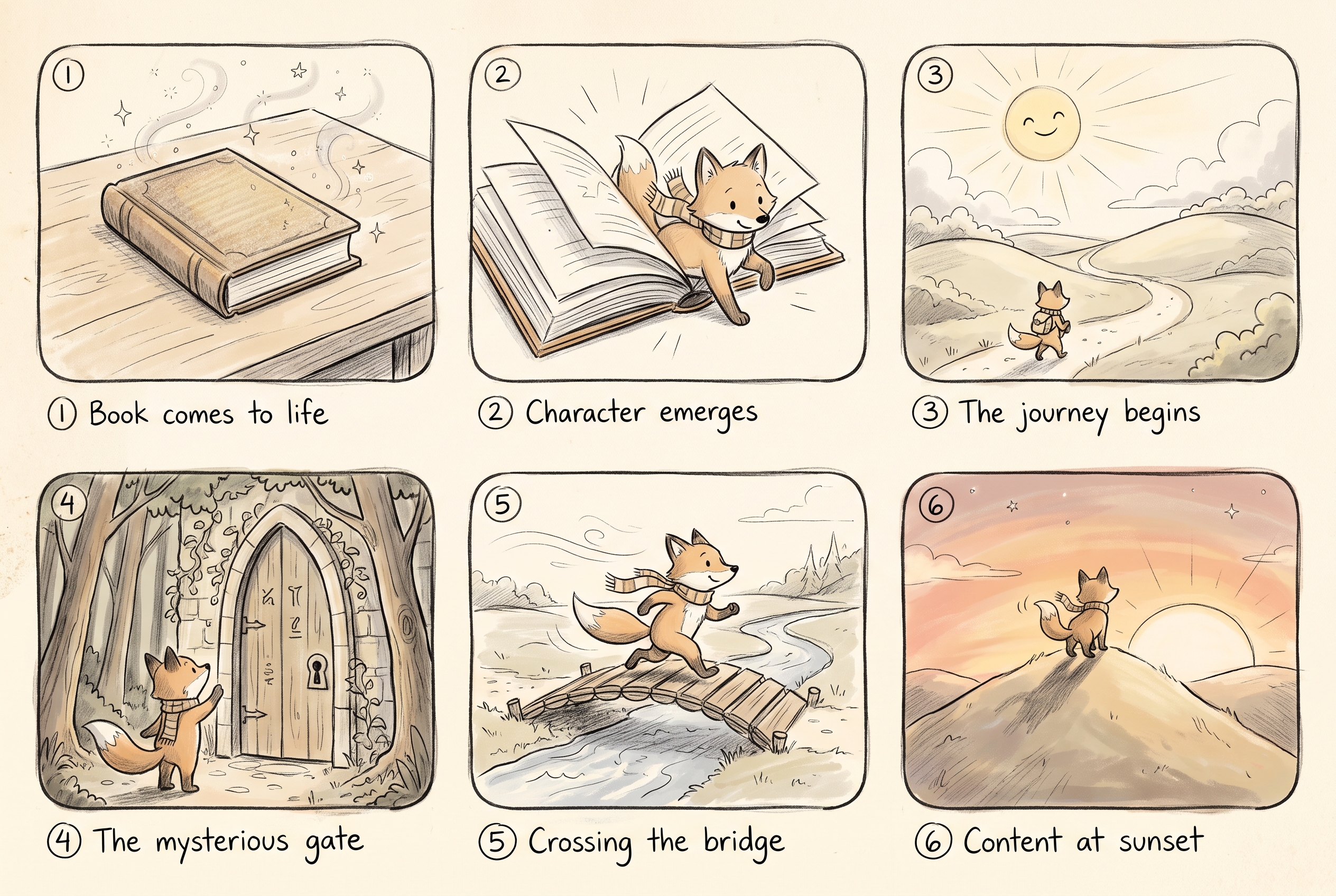
Turn a flat book cover into a living, moving scene
Two ways to bring a still image to life: a free Ken-Burns push you can run on any tier, and an AI image-to-video move that invents the motion around your frame. Keep the same character in every shot.
Key takeaways
- The cheapest way to animate a still is a Ken-Burns pan/zoom on an image layer — free, no AI key, works on any tier.
- For real motion, image-to-video uses your still as the first frame and the model invents the rest.
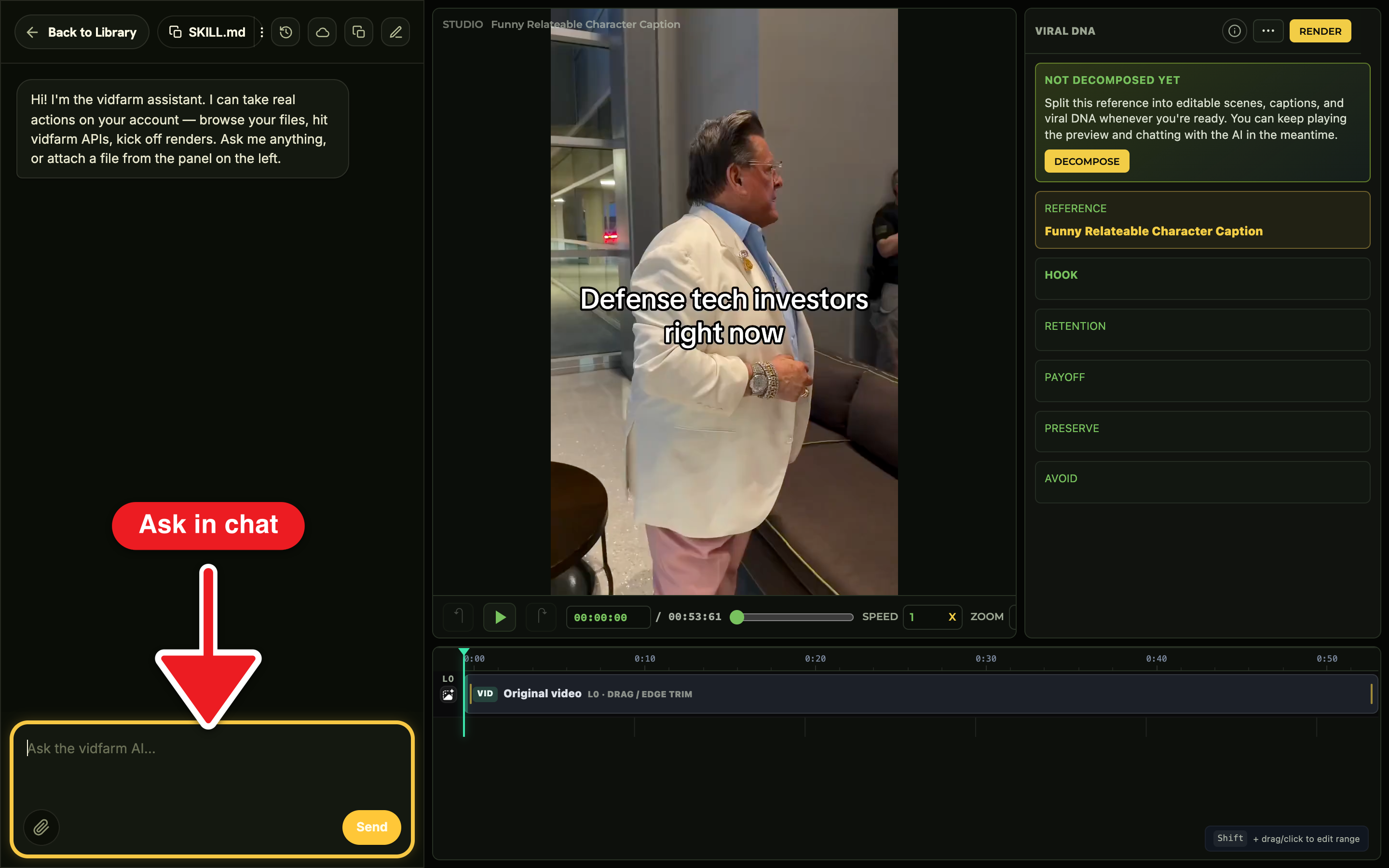
- You animate by chatting — "animate all the images, vary the motion" — and the copilot applies it live.
- Keep a recurring face on-model with a character sprite card reference (see the companion guide).
The idea: a still is just the first frame
A book cover, an illustrated page, a product shot — any flat image can become a scene. There are two levers, and you pick by budget. The free one is Ken Burns: a slow pan or zoom on an image layer that fakes camera movement with zero generation. The richer one is image-to-video: you hand the model your still as the first frame and describe the motion, and it animates outward from there.
Everything below happens in the Trackpad Editor by chatting with the AI copilot. Forking is automatic — the first edit mints your private copy, and there's no save button. Let's build a short book recap.
Manual walkthroughDo it yourself (the web UI)
-
Fork a book-recap template and get your stills in
Pick a book-recap or listicle format on Discover and open it in the editor. Then bring your images into My Files — the cover and any page illustrations. In chat: "Use my book cover and these page images from My Files as the scenes." The copilot runs
browse_files, reads each file (itsview_urlis the ready media URL), and swaps them onto the timeline withset_layer_mediaoradd_layer kind=image. -
The free move — animate every still with Ken Burns
Chat: "Animate all the images — slow Ken Burns, vary the motion between scenes." The copilot applies a
ken_burnspreset to every image layer (zoom-in, then pan-left, then zoom-out…) so no two adjacent stills move the same way. This costs nothing to generate and runs on any tier — it's just CSS motion on an image. You can also set it by hand in the inspector's Animate (Ken Burns) dropdown. -
The richer move — image-to-video from the same frame
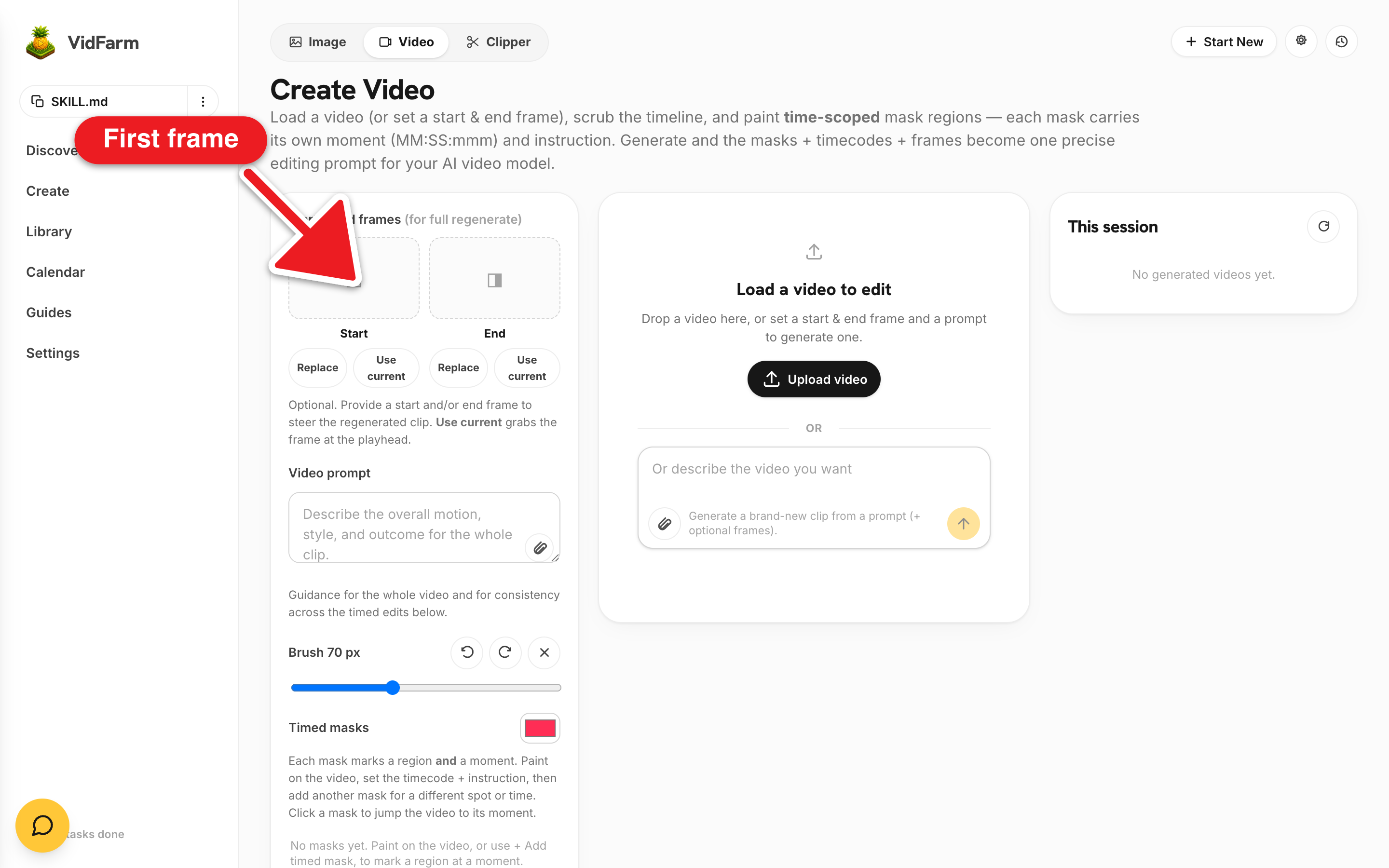
Want the cover to actually breathe? Chat: "Animate this book cover — slow push-in, the title glints, embers drift across the frame. 5 seconds." The copilot fires
generate_layerwithmedia_type: video, passing your still as the conditioning frame (the still's URL asinput_references, or aframe_imagesentry withframe_type: "first_frame"). AI video costs real money, so the copilot asks permission first before it runs. -
Add narration, a music bed, and captions
Chat: "Add a calm narrator reading these lessons, and a low lofi music bed under it," then "Add karaoke captions recapping the book's core lessons." The copilot lays a narration track via
/audio/speech(~1.0 volume) and a real music file underneath (~0.1–0.2). There is no music-generation primitive — the bed comes from an owned or uploaded file, never faked by duplicating the voice. -
Render, then approve into a shareable post
Review the live preview. When it's right, say "render it" — the copilot never auto-renders. The finished MP4 lands as a shareable post on its approved page with a copyable caption, a Download button, and Schedule. It also shows up in your approved library .
LITE_TEXT_ONLY_MEDIA_ERROR) — but Ken-Burns animation of a static image still works, because it's not generation. To generate motion you need a BYOK OpenAI, Gemini, or OpenRouter key.Keep the same character in every shot
If your book has a recurring character — a mascot narrator, an illustrated protagonist — you don't want their face drifting between scenes. Lock them once into a character sprite card and pass that same reference into every generation. That's the whole trick to on-model consistency, and it's covered in its own guide.
Character consistency across shots
Where to go next
A static image is the simplest thing to animate. Once you're comfortable, string several animated scenes into a full narrative with recurring characters — that's the AI drama series.
Animate your first still now
Open the editor, drop in a cover, and ask for a slow Ken-Burns push. It costs nothing — and when you want real motion, the same frame becomes your first frame.
Open the editor