Build a kinetic explainer where the motion is the message
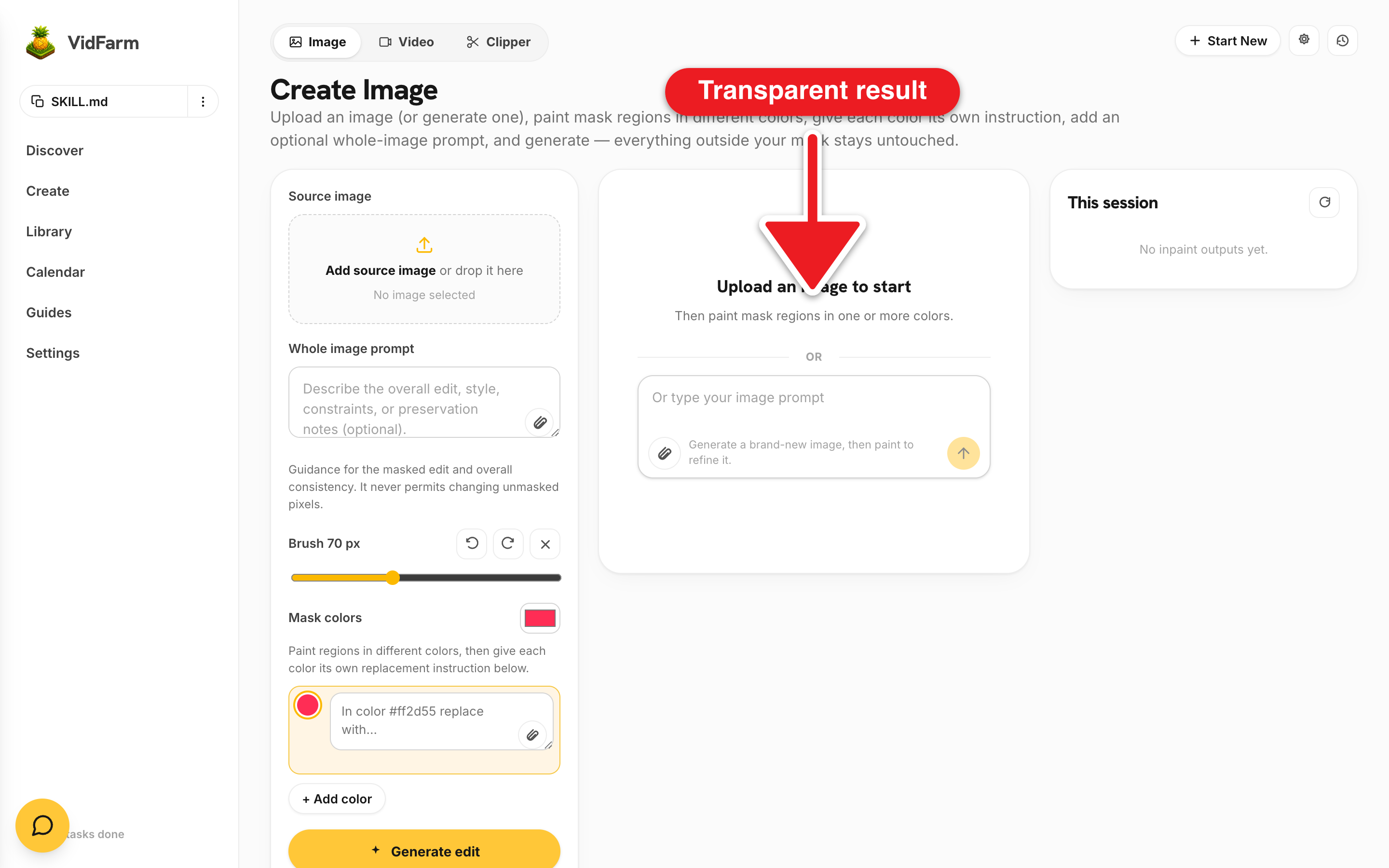
Floating cut-out illustrations, count-ups, and kinetic type animated over the frame — the "Vox" look. The trick is one primitive: generate an illustration on a key-color background and chroma-key it to a transparent overlay.
Key takeaways
- The signature primitive is create-overlay: it generates on a flat key-color background, then chroma-keys it to a transparent PNG in one job.
- Describe only the subject — the primitive injects the background requirement for you.
- Float and animate overlays with CSS keyframes — the web editor is CSS-motion only, no JS adapters.
- On-screen text and count-ups are hyperframes (HTML/CSS), never AI — only the illustrations cost generation.
Vox-style is transparent overlays, animated
The "Vox" look — a coffee cup that pops in, an arrow that sweeps across, a bar chart that grows — is really just AI-generated illustrations with transparent backgrounds, animated in HTML over the timeline. The motion isn't generated; it's authored with CSS. So the piece is cheap: you only pay to generate the still illustrations, and the movement is free.
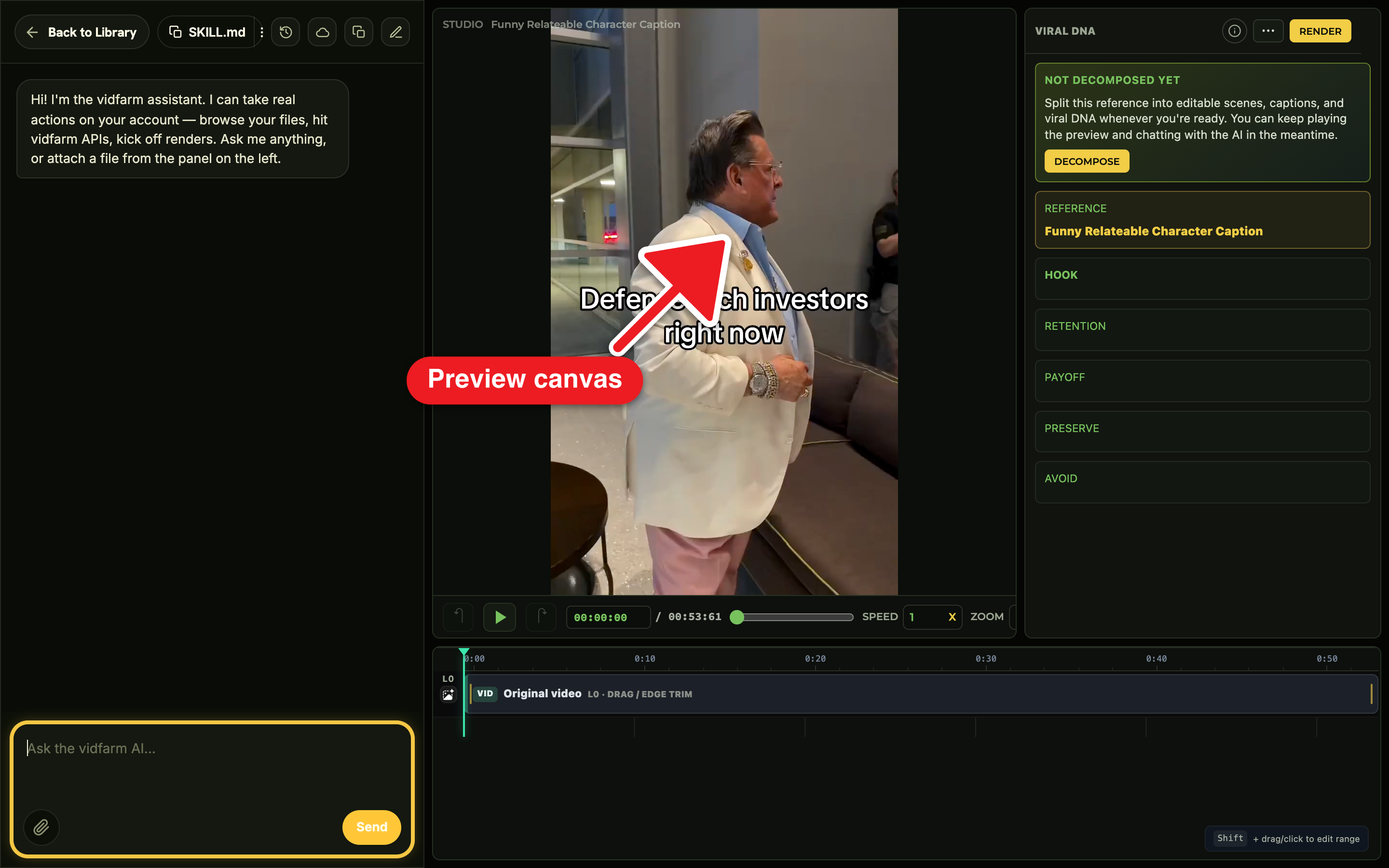
The whole thing is built by chatting in the Trackpad Editor , reaching for one primitive again and again for each floating element.
Manual walkthroughDo it yourself (the web UI)
-
Fork an explainer template or start from a base clip
Fork an explainer format on Discover , or start from a base clip in the editor. This is the surface you'll float graphics over.
-
The signature move — create a transparent overlay
Chat: "Make a floating transparent illustration of a snowball to animate over the video." The copilot calls
POST /api/v1/primitives/images/create-overlay— one job that generates the subject on a forced flat key-color background and chroma-keys it out to a transparent PNG (the result isprimary_file_url; the raw pre-key frame is kept too). Describe only the subject — the background instruction is appended automatically. -
Float it and animate it with CSS keyframes
Chat: "Drop that overlay top-right and have it pop in and drift." The copilot runs
add_layer kind=imagewith the transparent PNG, thenset_layer_keyframesfor CSS scale/translate/opacity (or aset_transitionsentrance plusken_burns). Repeat for each prop and icon — reach forcreate-overlayfrequently; it's the go-to for any floating graphic. -
Add kinetic captions and a VO bed
Chat: "Add kinetic captions and a calm narrator explaining compound interest, with a soft synth bed." Captions come from
set_captions, narration from/audio/speech, and the music bed from a real owned file underneath. Any count-ups, stat hits, or kinetic type are HTML/CSS motion — designed, not generated. -
Render and approve
Review the layered motion, then say "render it." The finished explainer lands on its approved page with a copyable caption and Download, and shows in your approved library .
create-overlay — never the background. The key_color defaults to green (#00FF00); if your subject is green-heavy, key against magenta (#FF00FF) so it doesn't get chroma-keyed away. Already have an image on a flat background? Cut it out with the cheap greenscreen removal; use the messy-background remover only for photographic backgrounds (it bills the wallet).replace_composition_html rejects <script>. For scripted motion, use local vidfarm serve / the HyperFrames CLI. A free NVIDIA "lite" key blocks the image-generation leg of create-overlay — the transparent illustrations need a BYOK image key.create-overlay is cheap — a small platform fee plus the BYOK image-generation cost — so reach for it instead of a flat still whenever you want a floating element. The kinetic type, count-ups, and data-viz motion are pure HTML/CSS and cost nothing to generate.Where to go next
Motion explainers are the most graphic-forward demo. Bring a recurring illustrated character into one with the character guide, or mix overlays into a product promo.
Build your explainer now
Open the editor, generate a transparent overlay with create-overlay, and animate it with a few CSS keyframes. The motion is free — only the illustrations cost a little.
Open the editor