Cancellation & refunds
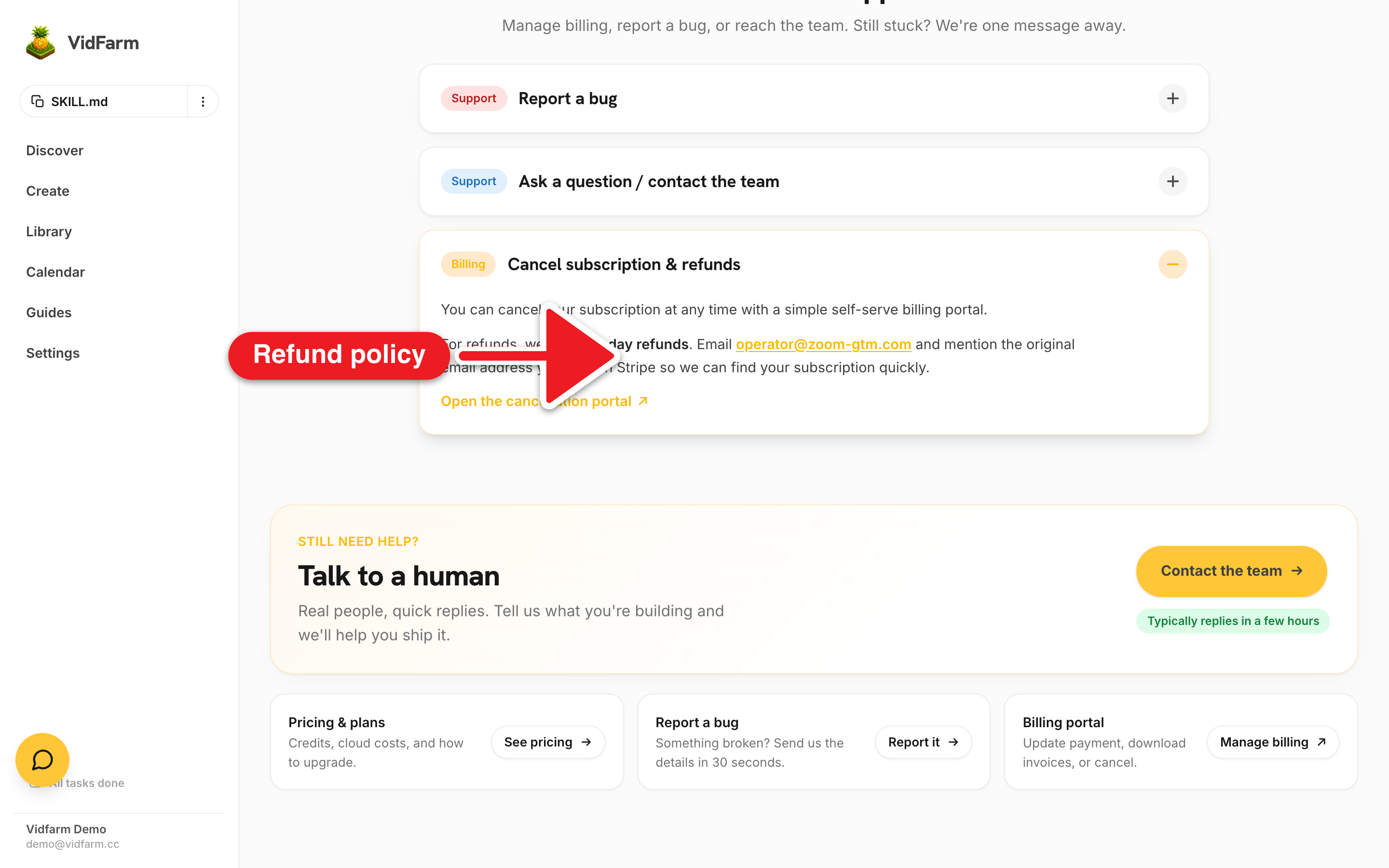
Cancelling is one click on your Billing page, no email required. Refunds are covered by a 90-day money-back guarantee. Credits you bought stay put either way.
Key takeaways
- Cancel any time, self-serve: one click on your Billing page, no email needed.
- Refunds are covered by a 90-day money-back guarantee.
- Request a refund on your Billing page, or email support@vidfarm.cc from the email you used at checkout.
- Your wallet credits are separate and never expire — cancelling a plan doesn't burn them.
The whole thingCancel or refund your plan
Everything here is designed to be self-serve. You cancel on your Billing page in one click, and if you're inside the 90-day window and want your money back, the refund is one click too.
-
Open your Billing page
Go to Billing (also under Settings → Subscription, and in Help → Cancel subscription & refunds ).
-
Cancel the subscription
Click Cancel plan (or go straight to the cancel page ), then Cancel my plan. Telling us why is optional; if you pick a reason we may show one offer that fits it, and the cancel button works either way. Manage billing on the same page opens Stripe to update your card and download invoices.
-
Request a refund (within 90 days)
For a refund, we offer 90-day refunds. Ask on Billing → Refund , or email support@vidfarm.cc from the email address you used at checkout.
Where to go next
Need a human?
Cancellation is one click on your Billing page. For refunds within 90 days, or any question, email support@vidfarm.cc — we typically reply in a few hours.
Open the Help center