Copying competitors (the right way)
Feed a competitor's winning video to VidFarm, decompose why it works, find where your product fits inside it, then fork the structure into your own on-brand ad. You borrow the format — never their footage.
Key takeaways
- Import a competitor's post as your private template — TikTok / YouTube / Instagram / X only.
- Decompose it to expose the viral DNA: scenes, summary, keywords, and its emotional punch.
brainstorm/product_placementwatches the video and returns timestamped native spots for your product — it needs a Gemini key.- You fork and recut — swap captions and media so the structure becomes your ad.
- You're borrowing the format/structure, not republishing anyone's footage.
The whole product is a copy-a-viral-video machine
There's no button that says "steal this ad." There doesn't need to be — VidFarm is the machine for turning a proven structure into your own version. You feed it a video that already works, it explains why it works, and then you pour your offer into the same container.
This is the viral video funnel at the "format" layer: instead of forking a catalog template, you fork a specific competitor's structure. The strategy layers still apply — bring the angle and hook you worked out in the funnel chapter .
Manual walkthroughDo it yourself (the web UI)
-
Find a competitor's winning post
Grab the URL of a competitor short that's clearly performing. VidFarm imports from TikTok, YouTube, Instagram, and Twitter/X only (or you can upload a video file up to 200 MB).
-
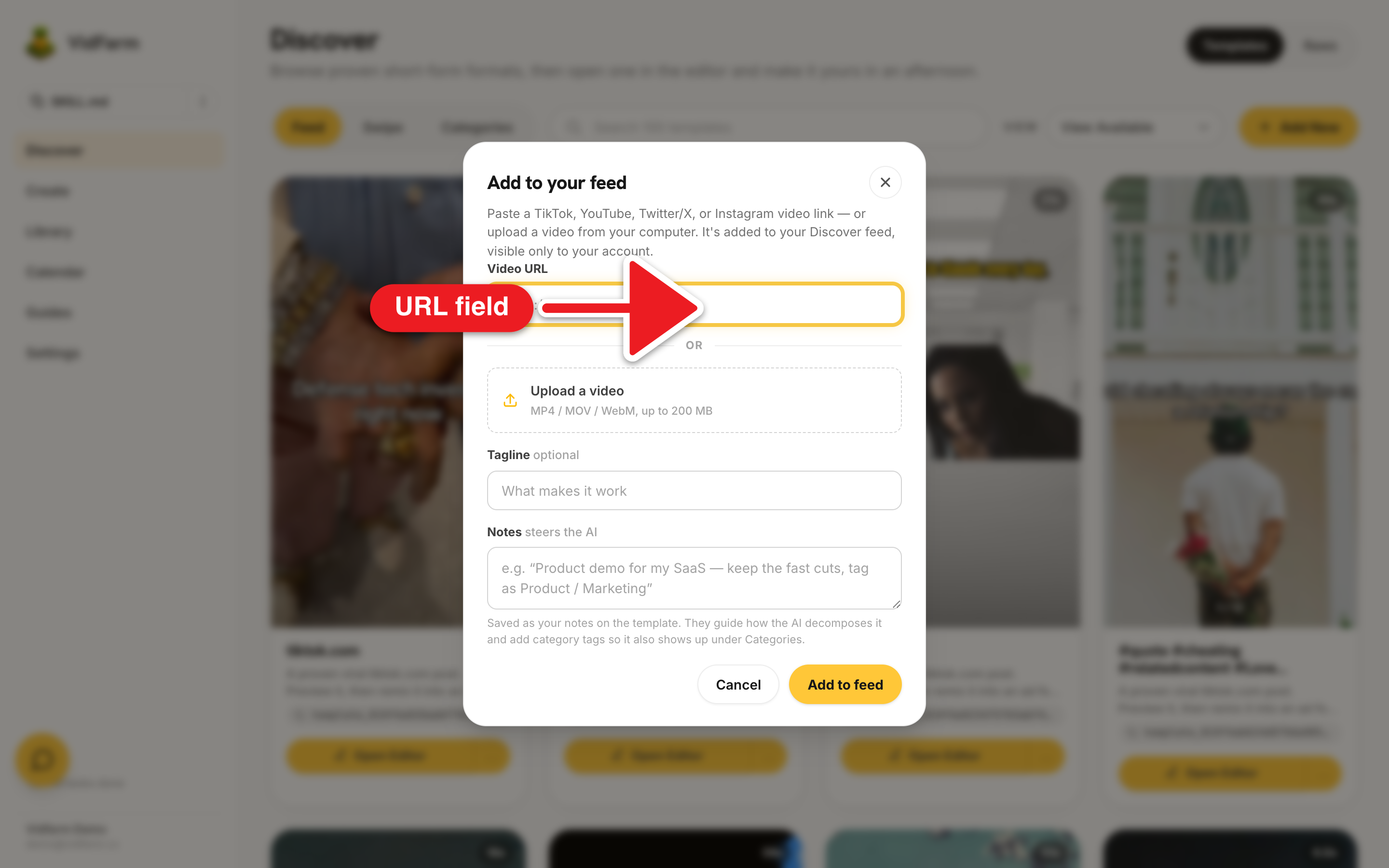
Import it via Add New
On the Discover feed , click Add New. In the "Add to your feed" modal, paste the URL into Video URL, add an optional Tagline ("what makes it work") and Notes to steer the AI. Submit — it downloads in the background and finalizes into a private
template_…on the next feed poll (you'll see "Preparing…" until it's ready). -
Decompose it into viral DNA
Forking auto-decomposes, or you can decompose it first. Decompose breaks the video into scenes and extracts its summary, keywords, promotions, and its viral DNA — including the emotional punch (the joke, intonation, or vibe that makes it land). This is your "why it works" readout.
-
Analyze product placement
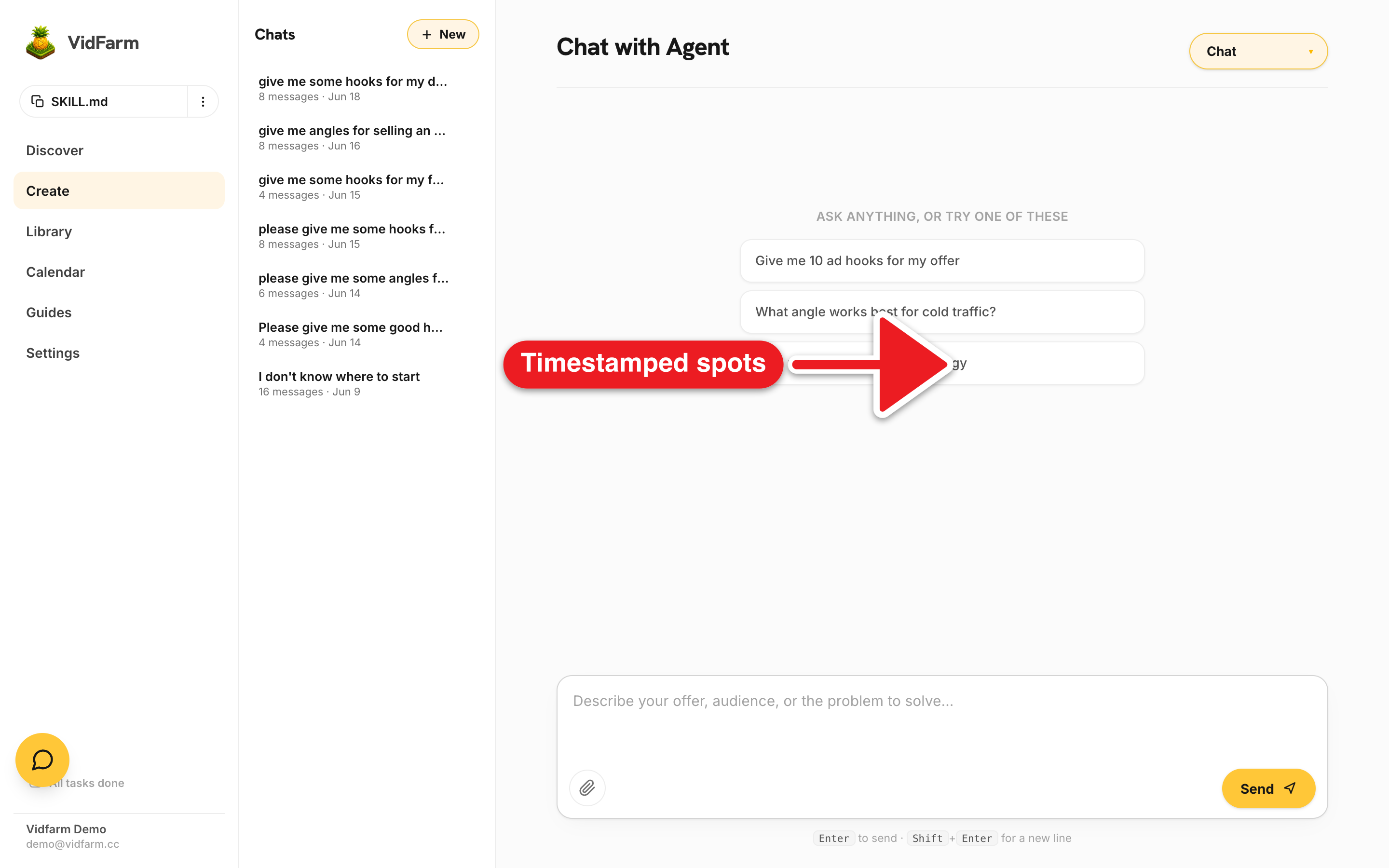
Now find where your product fits inside their structure. In Chat (or the editor chat) paste the video URL and say "analyze this for product placement for my offer." The AI runs
brainstorm/product_placementand returns timestamped ideas — each with a timestamp, scene, placement idea, and why it works. -
Fork and recut into your ad
Fork the template into the Trackpad Editor. Swap its captions and media to your offer, and drop your product into the native surfaces the analysis flagged at those timestamps. Keep the timing and structure that made it work; change the message so it's yours.
-
Render, approve & schedule
Ask the editor to render, approve the result into a shareable post, and schedule it to your channels. You've now got an on-brand ad built on a proven structure.
product_placement is multimodal — it actually watches the video, so it needs a Gemini key. A plain OpenAI chat key can't see video and will fail this step. Set a Gemini key in Settings → Developer first.product_placement primitive, and keep recutting reuse-first per the three paintbrushes .Where to go next
You can now turn any winning short into a starting point. Sharpen the message first, then practice the recut mechanics on a gentle edit:
Turn a competitor's win into yours
Import the video, read its viral DNA, place your product in the native spots, and recut. You keep the structure that worked and make the message your own.
Open the Discover feed