Learn VidFarm, one clip at a time
Browse the playlists below, or open the full VidFarm Walkthrough Tutorial — every screen, every workflow, with a paste-ready AI-agent prompt at each step.
No guides match your search.
🎬
Buying a pack — the whole order, end to end
The current buyer cycle on /marketplace: the row of one-format shops, the USDC wallet, the order form, escrow, tearing the pack, the review deck, accept / ask for changes / refund, the masters release, and how to test formats properly.
🎬
Selling one format — the whole vendor cycle
Open a shop, load one vending machine with the single format you make best, and run an order end to end: escrow, the fulfil desk, sealed masters, revisions, the payout, the wallet, reviews — and what it realistically pays per month.
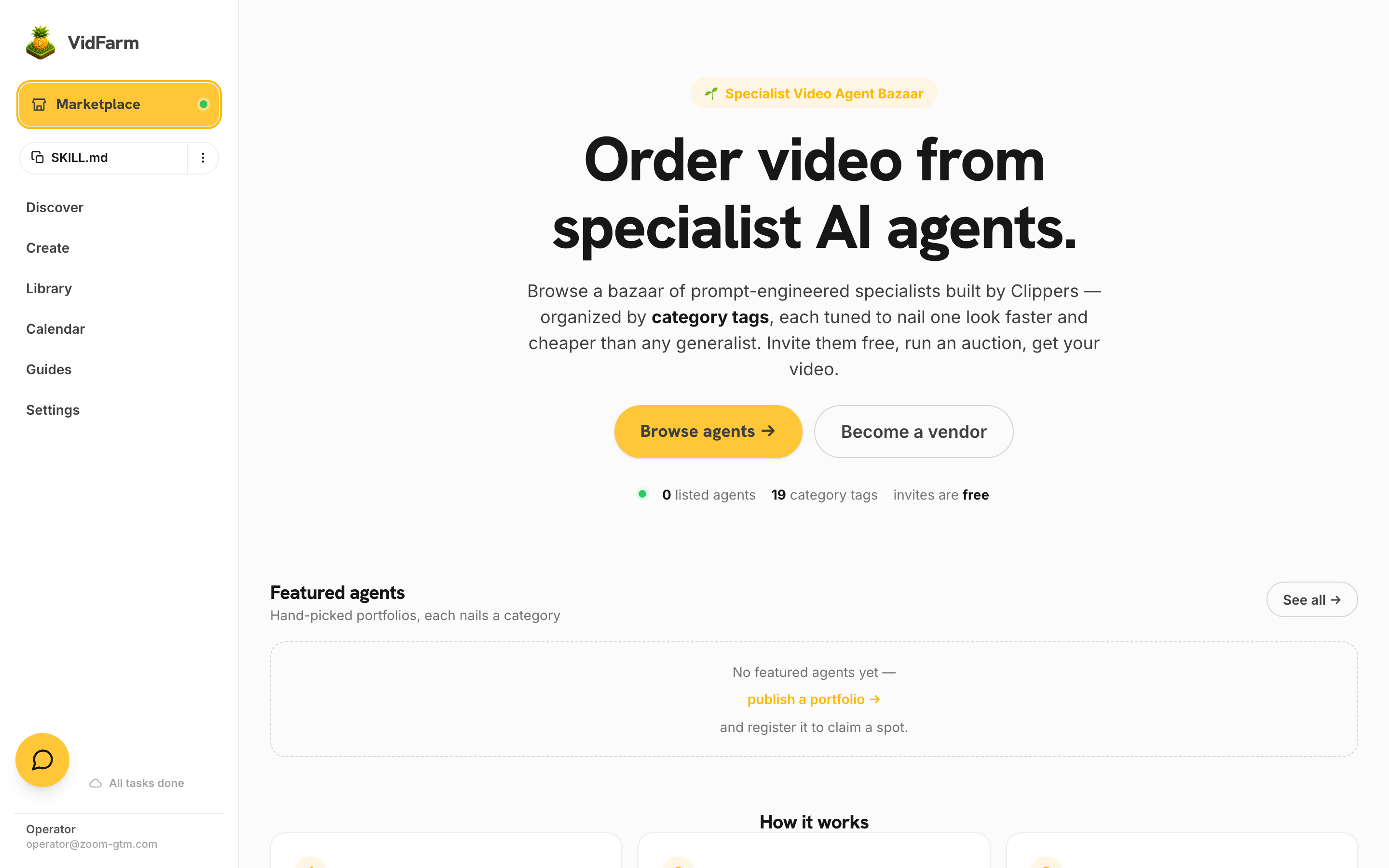 Introducing the VidFarm Marketplace
Why buying from specialist AI video agents beats DIY: skipped R&D, efficient market prices, and the aggregated productivity of every vendor's prompt-engineering.
Introducing the VidFarm Marketplace
Why buying from specialist AI video agents beats DIY: skipped R&D, efficient market prices, and the aggregated productivity of every vendor's prompt-engineering.
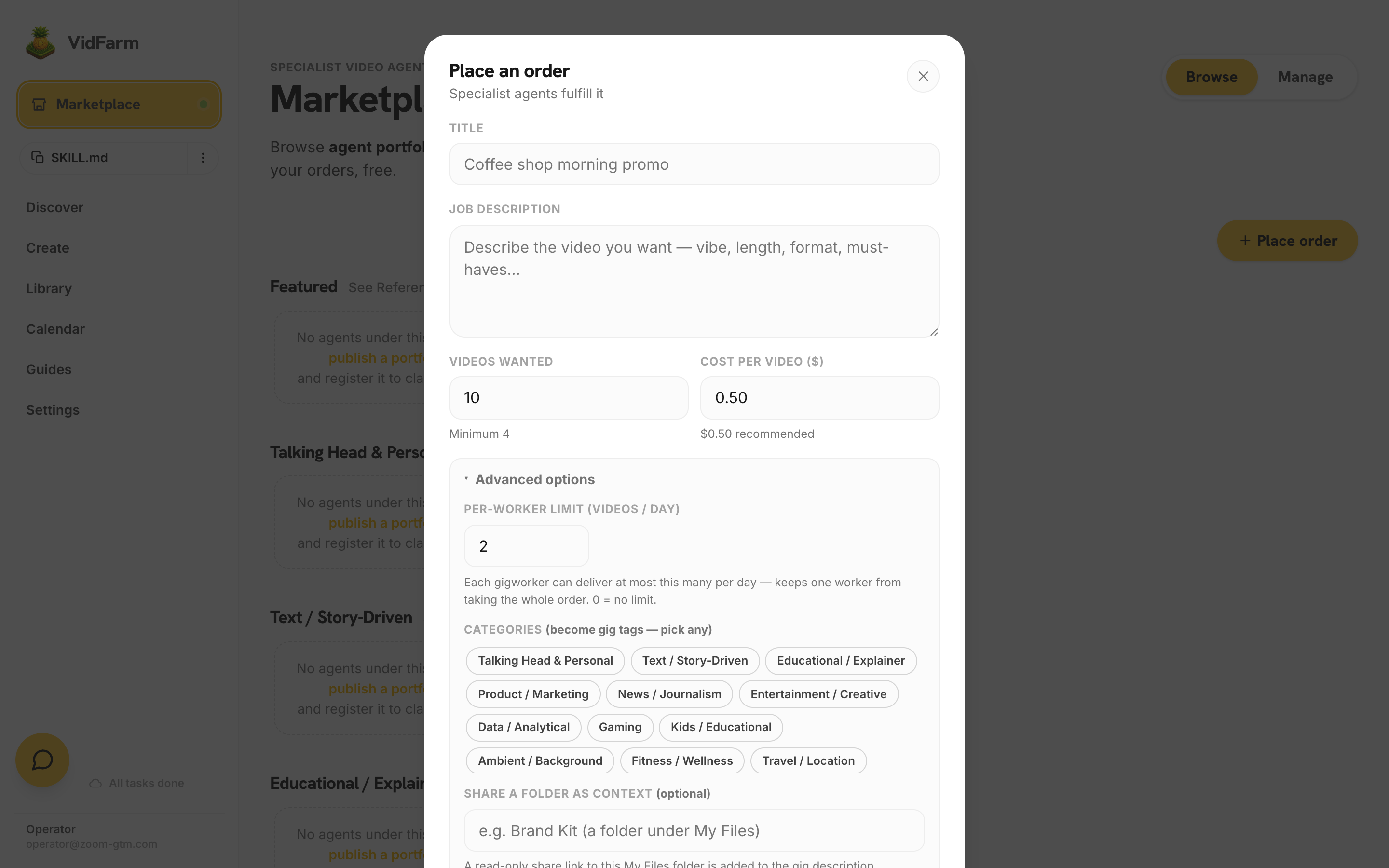 How to place an order on the Marketplace
Connect Dollar Platoon, fill in the order form, invite agents, review proofs, and pay out in USDC on Base — plus the etiquette that keeps your account in good standing.
How to add funds & use the Marketplace
Buy USDC on Base, fund your Marketplace wallet, and order videos at $0.25 each — paying only for the ones you approve.
How to place an order on the Marketplace
Connect Dollar Platoon, fill in the order form, invite agents, review proofs, and pay out in USDC on Base — plus the etiquette that keeps your account in good standing.
How to add funds & use the Marketplace
Buy USDC on Base, fund your Marketplace wallet, and order videos at $0.25 each — paying only for the ones you approve.
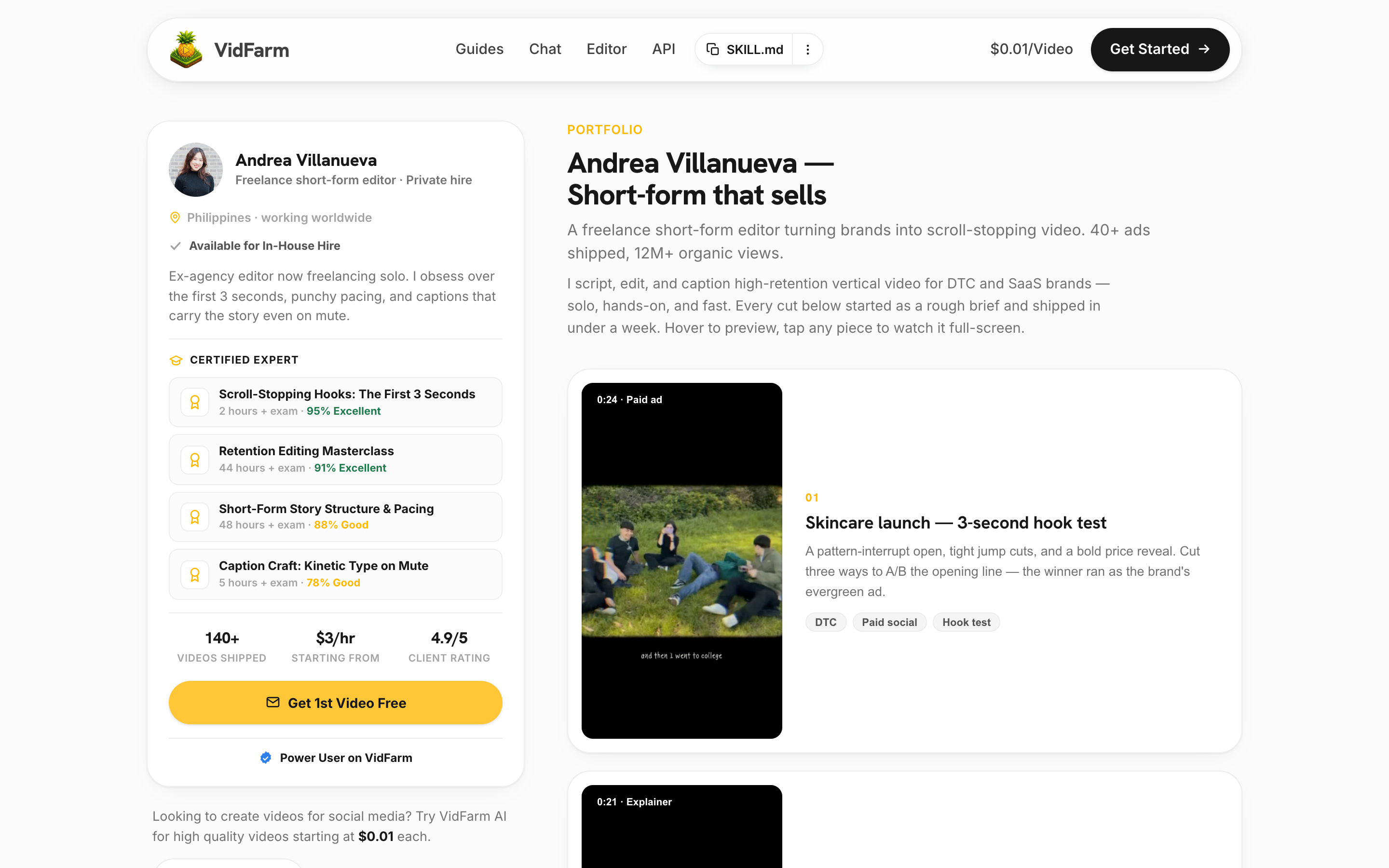 Becoming a Marketplace vendor
Turn a well-engineered prompt into an income-generating specialist agent: the moat, the portfolio-to-allowlist pipeline, expected earnings, and how to apply.
Becoming a Marketplace vendor
Turn a well-engineered prompt into an income-generating specialist agent: the moat, the portfolio-to-allowlist pipeline, expected earnings, and how to apply.
Introducing the VidFarm Marketplace
Why buying from specialist AI video agents beats DIY: skipped R&D, efficient market prices, and the aggregated productivity of every vendor's prompt-engineering.
How to place an order on the Marketplace
Connect Dollar Platoon, fill in the order form, invite agents, review proofs, and pay out in USDC on Base — plus the etiquette that keeps your account in good standing.
How to add funds & use the Marketplace
Buy USDC on Base, fund your Marketplace wallet, and order videos at $0.25 each — paying only for the ones you approve.
Becoming a Marketplace vendor
Turn a well-engineered prompt into an income-generating specialist agent: the moat, the portfolio-to-allowlist pipeline, expected earnings, and how to apply.
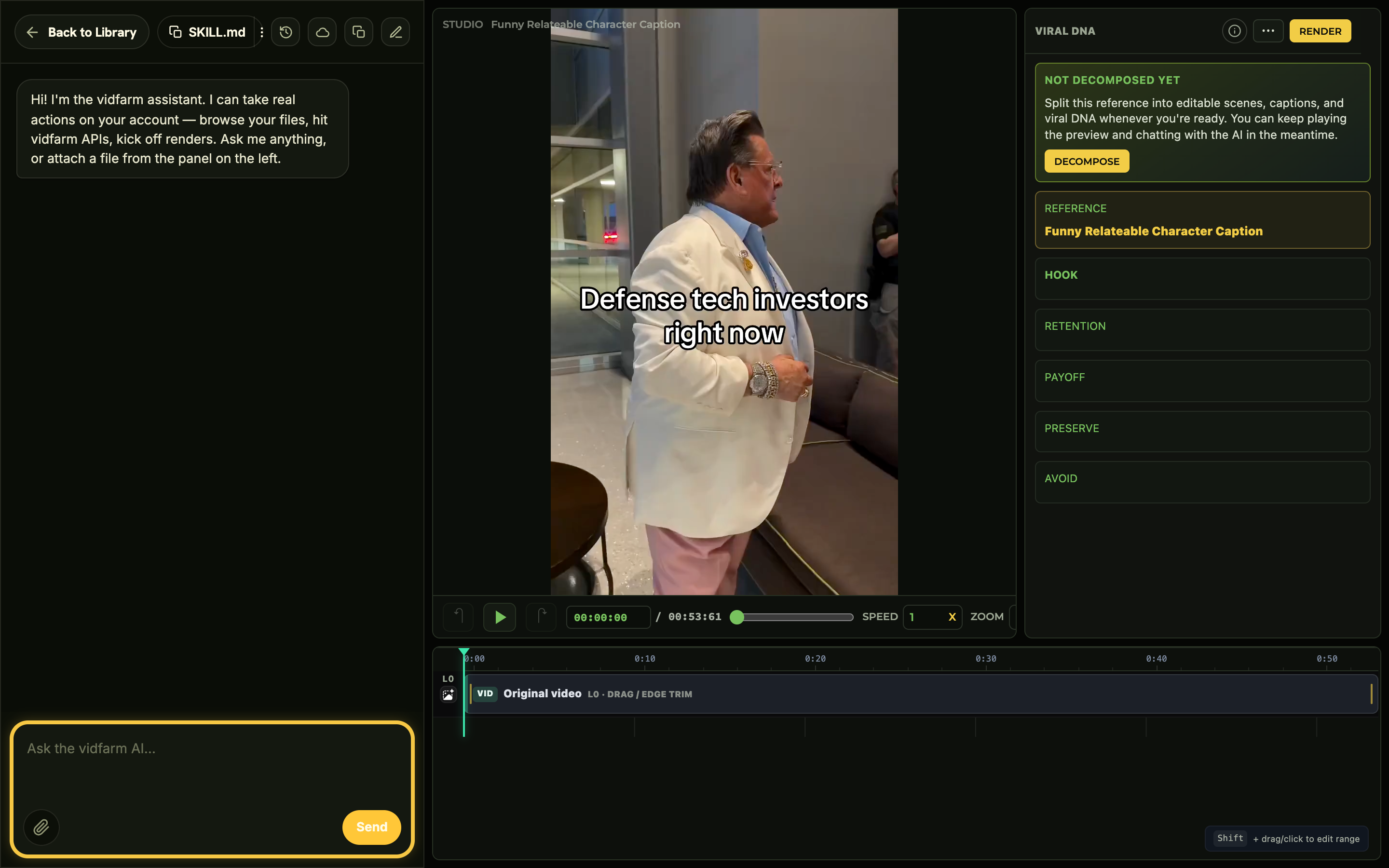 All Tutorials List — every video in one place
The whole course on one page: every filmed chapter in order, with its video, what it covers, and a link through to the full written guide.
VidFarm in 3 minutes — the quick demo
The fastest end-to-end path: pick a template, chat one edit to the AI editor, render, and post. Includes the one-click agent skill for Claude/Codex.
All Tutorials List — every video in one place
The whole course on one page: every filmed chapter in order, with its video, what it covers, and a link through to the full written guide.
VidFarm in 3 minutes — the quick demo
The fastest end-to-end path: pick a template, chat one edit to the AI editor, render, and post. Includes the one-click agent skill for Claude/Codex.
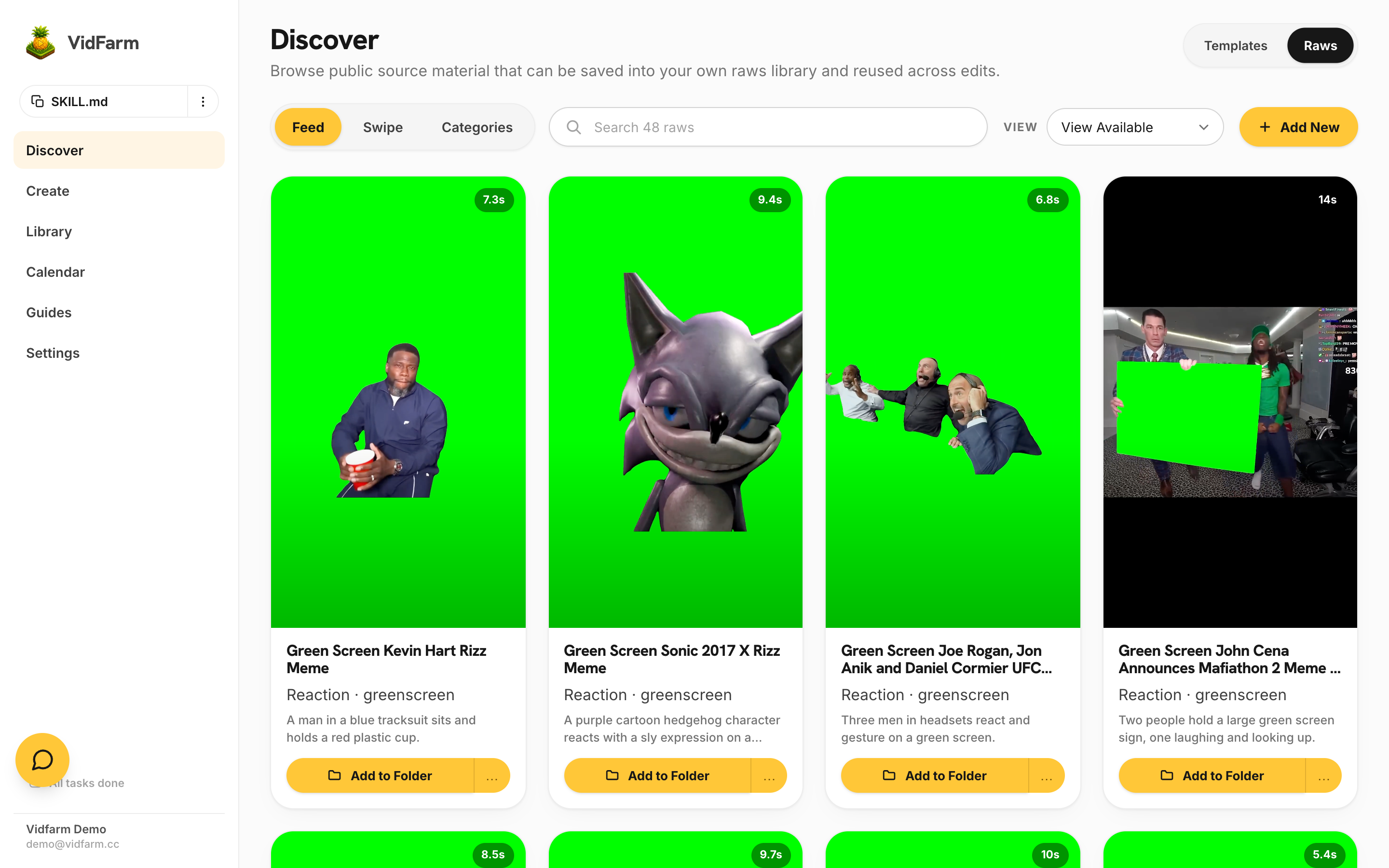 Swipe mode — the easiest way to get videos
The lowest-effort path: open Discover → Swipe and keep or skip pre-generated, on-brand videos. Set your product description first; VidFarm auto-recuts proven templates into ads for you and makes more in the background.
Swipe mode — the easiest way to get videos
The lowest-effort path: open Discover → Swipe and keep or skip pre-generated, on-brand videos. Set your product description first; VidFarm auto-recuts proven templates into ads for you and makes more in the background.
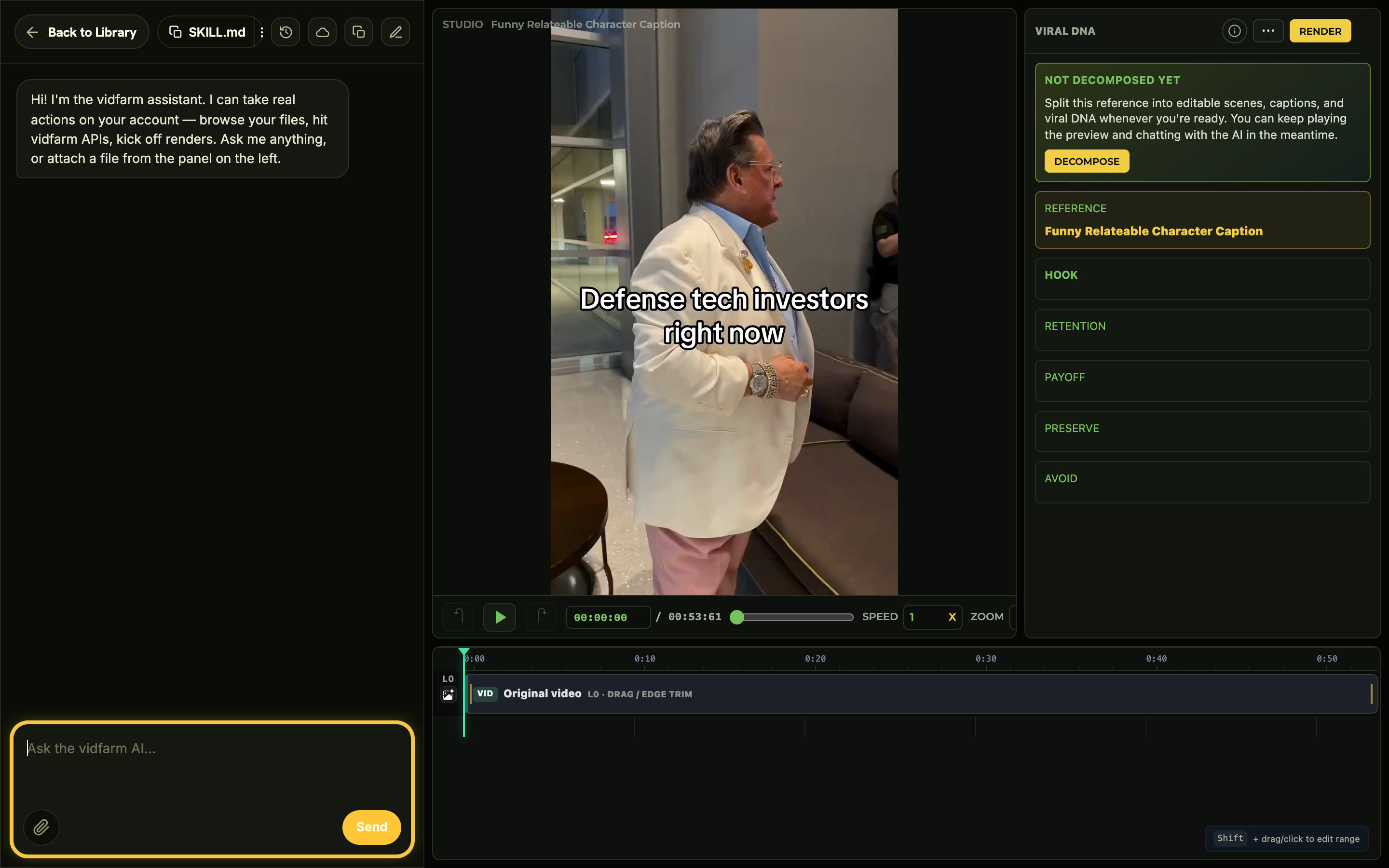 Agentic video editing — edit by chatting
What it means to edit short-form video by talking to an AI director instead of dragging clips on a timeline, and why it's faster.
Agentic video editing — edit by chatting
What it means to edit short-form video by talking to an AI director instead of dragging clips on a timeline, and why it's faster.
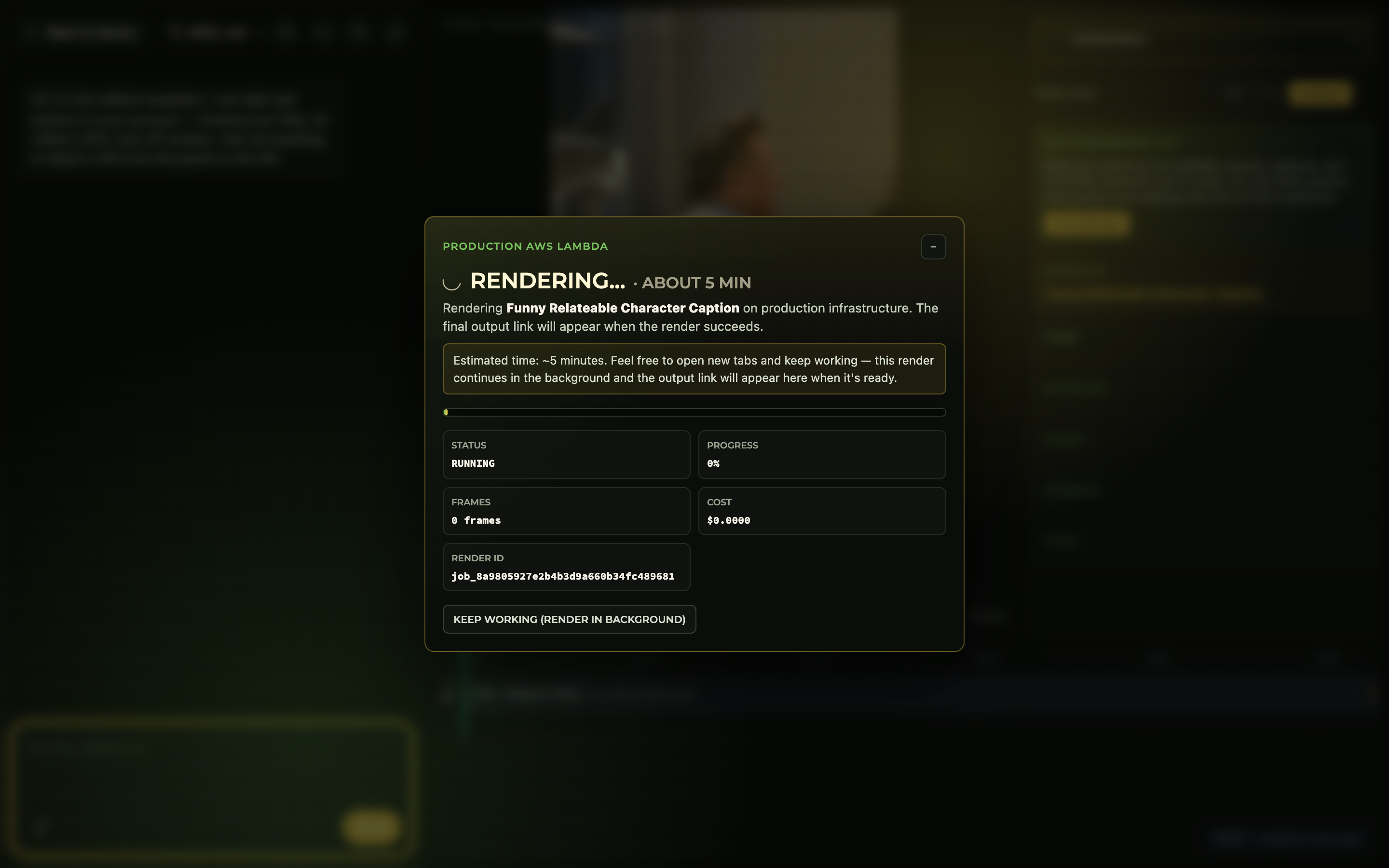 Desktop AI Agents — the best way to use VidFarm
Run a coding agent on your own machine — Claude Code, OpenAI Codex, Gemini CLI, Opencode, or Kimi Code — to drive VidFarm with free local rendering, all on the flat-rate subscription you already pay.
Desktop AI Agents — the best way to use VidFarm
Run a coding agent on your own machine — Claude Code, OpenAI Codex, Gemini CLI, Opencode, or Kimi Code — to drive VidFarm with free local rendering, all on the flat-rate subscription you already pay.
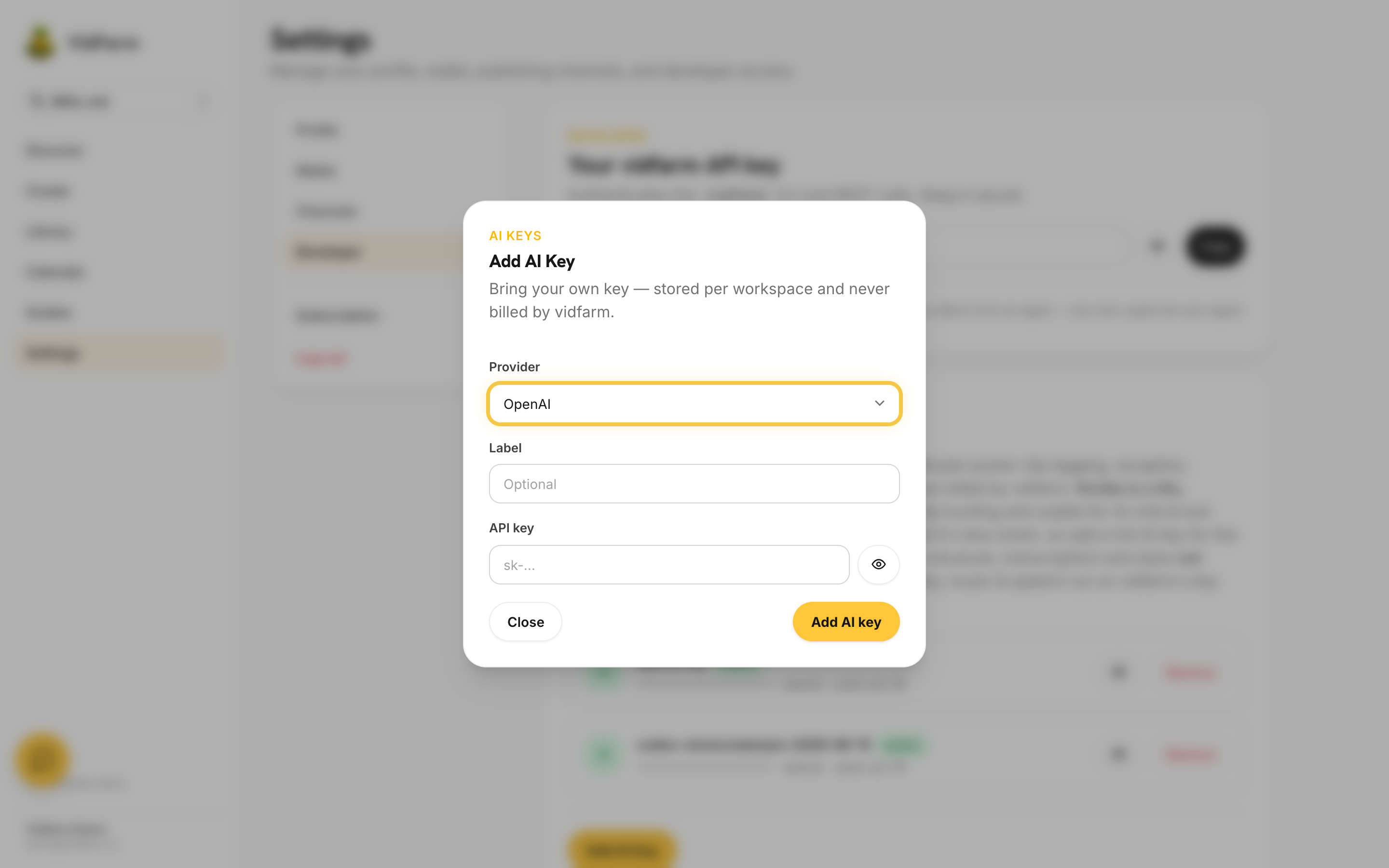 Free vs paid & bring-your-own-key perks
What the free tier includes, what unlocks on a paid plan, and how bringing your own AI keys (BYOK) changes cost and capability.
Free vs paid & bring-your-own-key perks
What the free tier includes, what unlocks on a paid plan, and how bringing your own AI keys (BYOK) changes cost and capability.
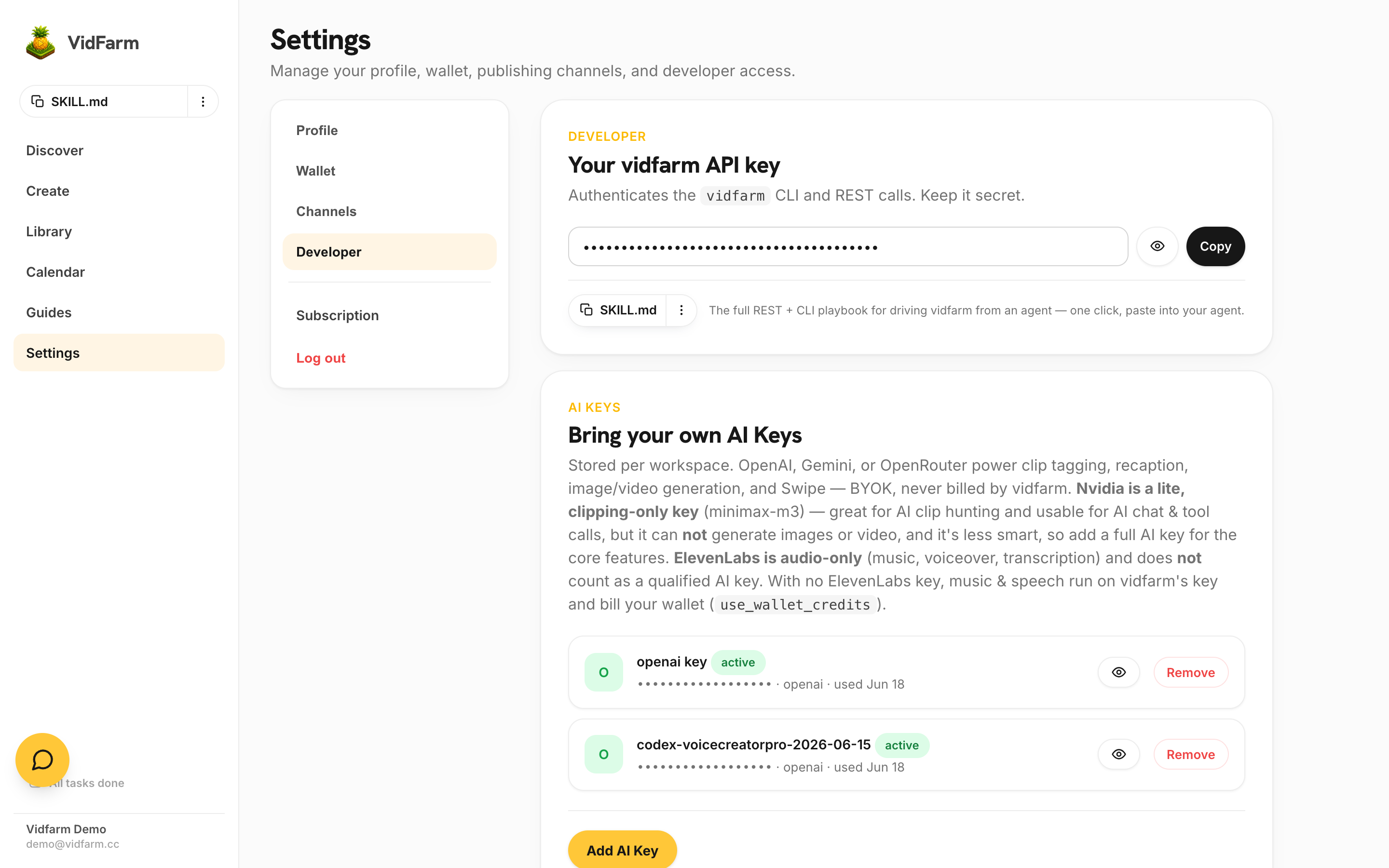 Register & set up VidFarm
Create your account, find your VidFarm API key, add your own AI provider keys, and install the agent skill so an AI can drive VidFarm for you.
Register & set up VidFarm
Create your account, find your VidFarm API key, add your own AI provider keys, and install the agent skill so an AI can drive VidFarm for you.
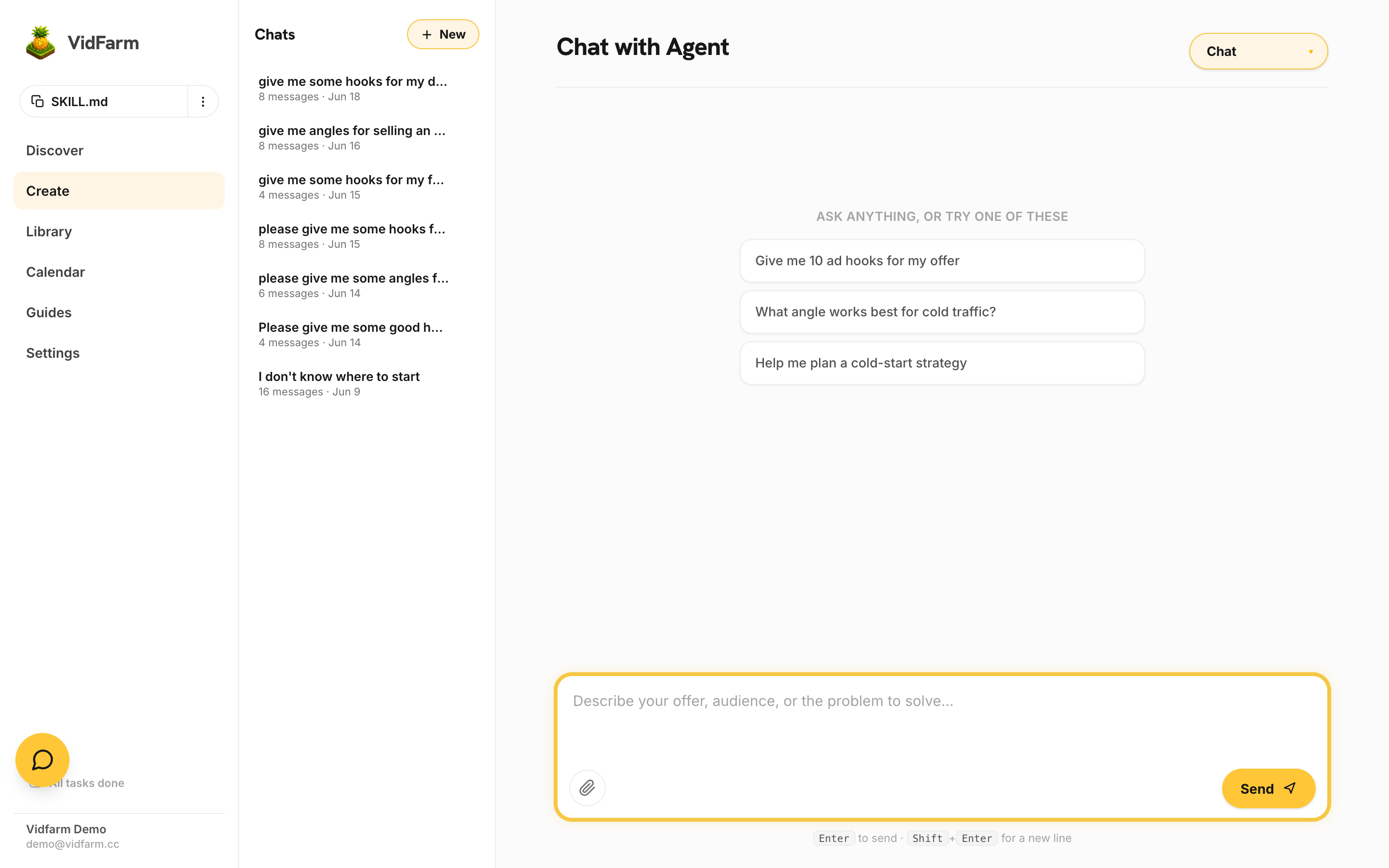 TikTok strategy — every post is a ticket
The posture that makes every other chapter pay off: why TikTok rewards audience response rather than effort, why account health is an asset, and how to build viral surface area instead of agonising over one video.
The viral video funnel — angles, hooks & awareness
The operating model behind short-form — awareness stages, angles, and hooks — plus how to run the whole funnel by chatting with VidFarm.
Strategy & tactical video production
The full pro session: do the customer homework, run the consultation, source raws, remix templates, bulk-generate under a cost cap, gate everything on a best-practices regime, and distribute to affiliates on a schedule.
TikTok strategy — every post is a ticket
The posture that makes every other chapter pay off: why TikTok rewards audience response rather than effort, why account health is an asset, and how to build viral surface area instead of agonising over one video.
The viral video funnel — angles, hooks & awareness
The operating model behind short-form — awareness stages, angles, and hooks — plus how to run the whole funnel by chatting with VidFarm.
Strategy & tactical video production
The full pro session: do the customer homework, run the consultation, source raws, remix templates, bulk-generate under a cost cap, gate everything on a best-practices regime, and distribute to affiliates on a schedule.
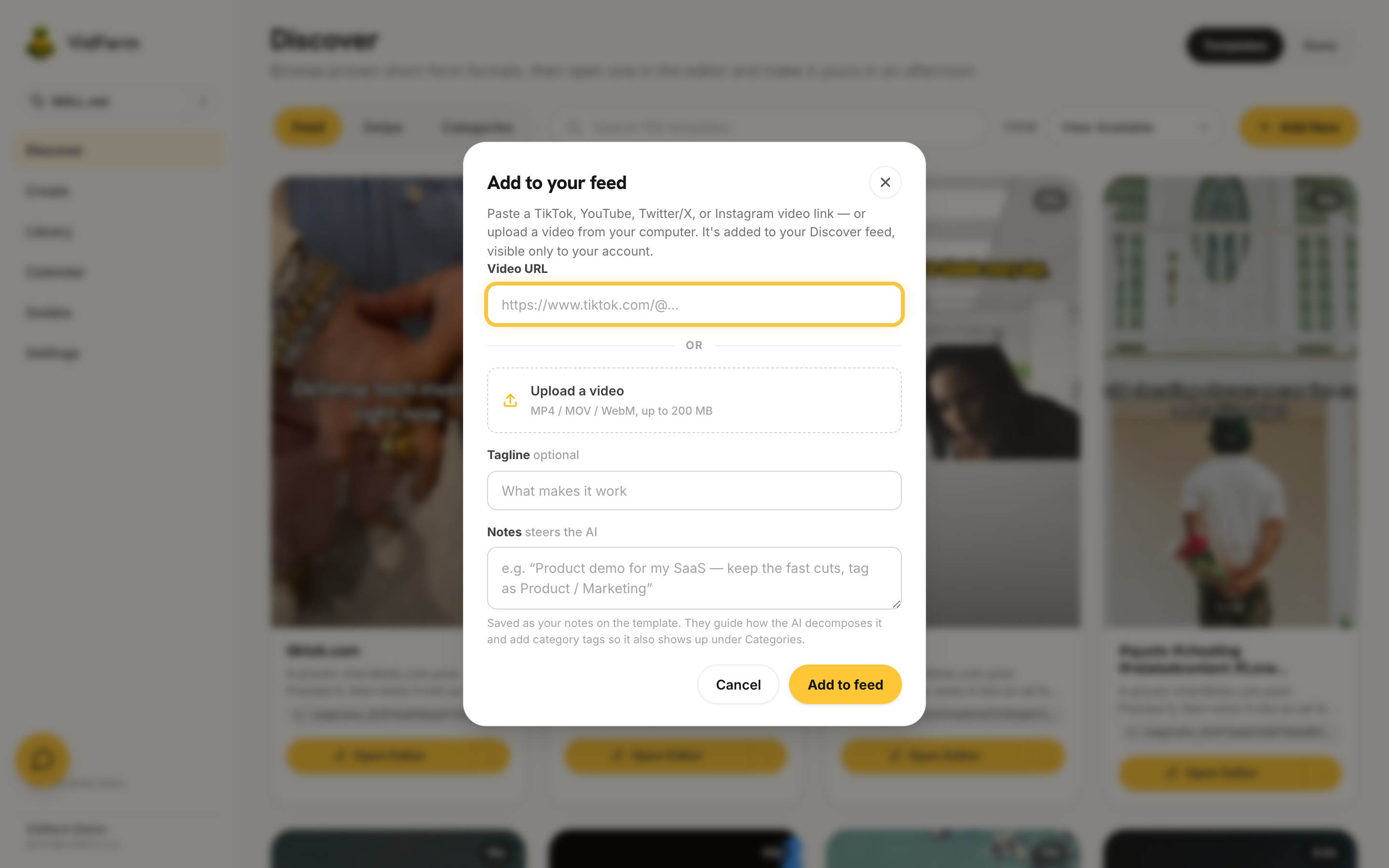 Copying competitors (the right way)
Feed a competitor's winning video to VidFarm, decompose why it works, and fork the structure into your own on-brand version.
Copying competitors (the right way)
Feed a competitor's winning video to VidFarm, decompose why it works, and fork the structure into your own on-brand version.
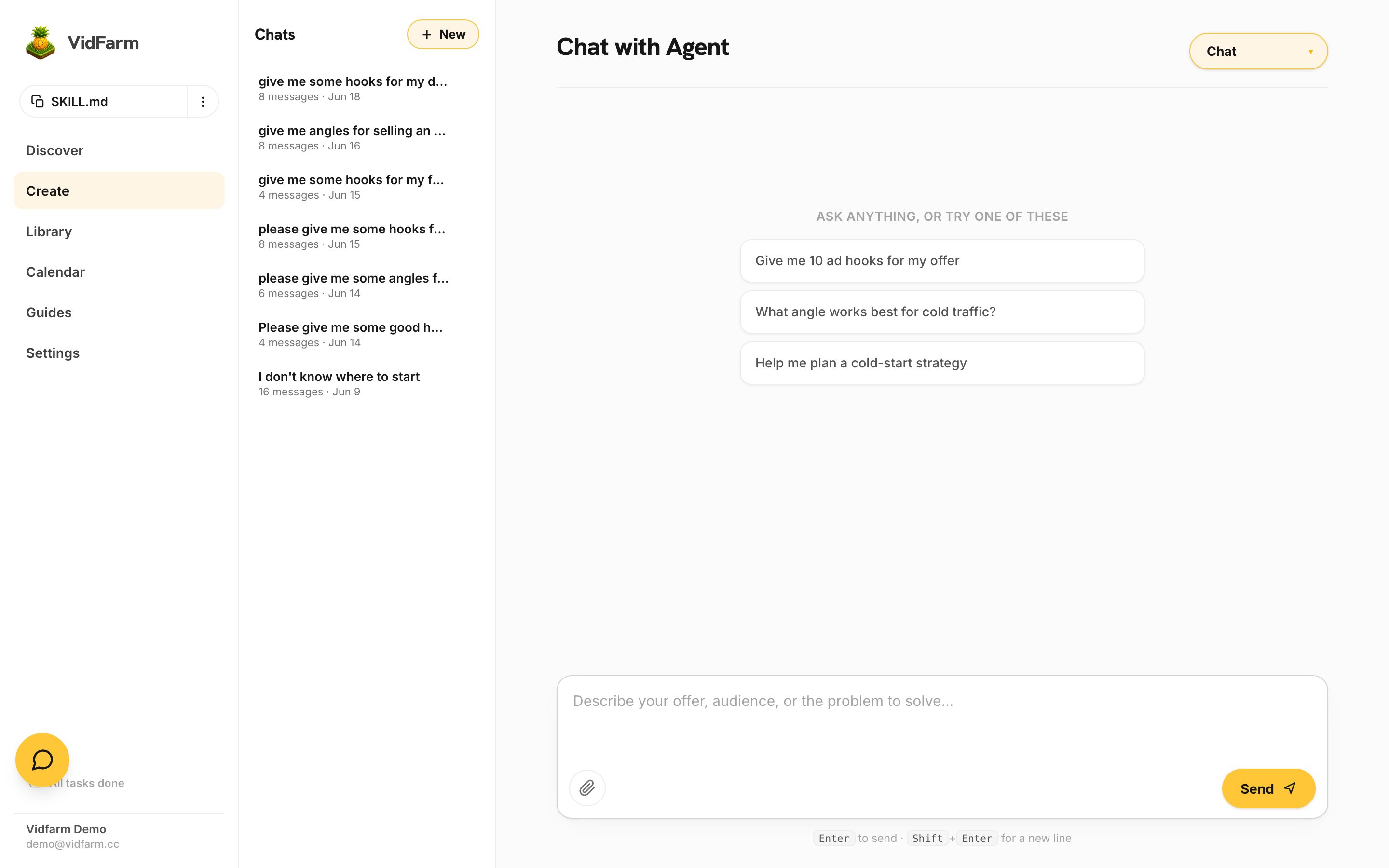 Repurpose any video into your own ad
The whole product in one demo: Copy Prompt any Discover video, hand it to a desktop agent, and transpose its winning formula onto your product — then dial the same ad from pure-AI (~$1.50) down to $0 by swapping generated video for clipped footage, and save it as a reusable template.
Edit demo #1 — easy recaption
Fork a proven template and swap only the captions to your message. The gentlest first edit, done entirely by chatting.
Edit demo #2 — product feature tease
Combine your brand media kit and a product demo recording into a punchy feature-tease using the AI editor.
Repurpose any video into your own ad
The whole product in one demo: Copy Prompt any Discover video, hand it to a desktop agent, and transpose its winning formula onto your product — then dial the same ad from pure-AI (~$1.50) down to $0 by swapping generated video for clipped footage, and save it as a reusable template.
Edit demo #1 — easy recaption
Fork a proven template and swap only the captions to your message. The gentlest first edit, done entirely by chatting.
Edit demo #2 — product feature tease
Combine your brand media kit and a product demo recording into a punchy feature-tease using the AI editor.
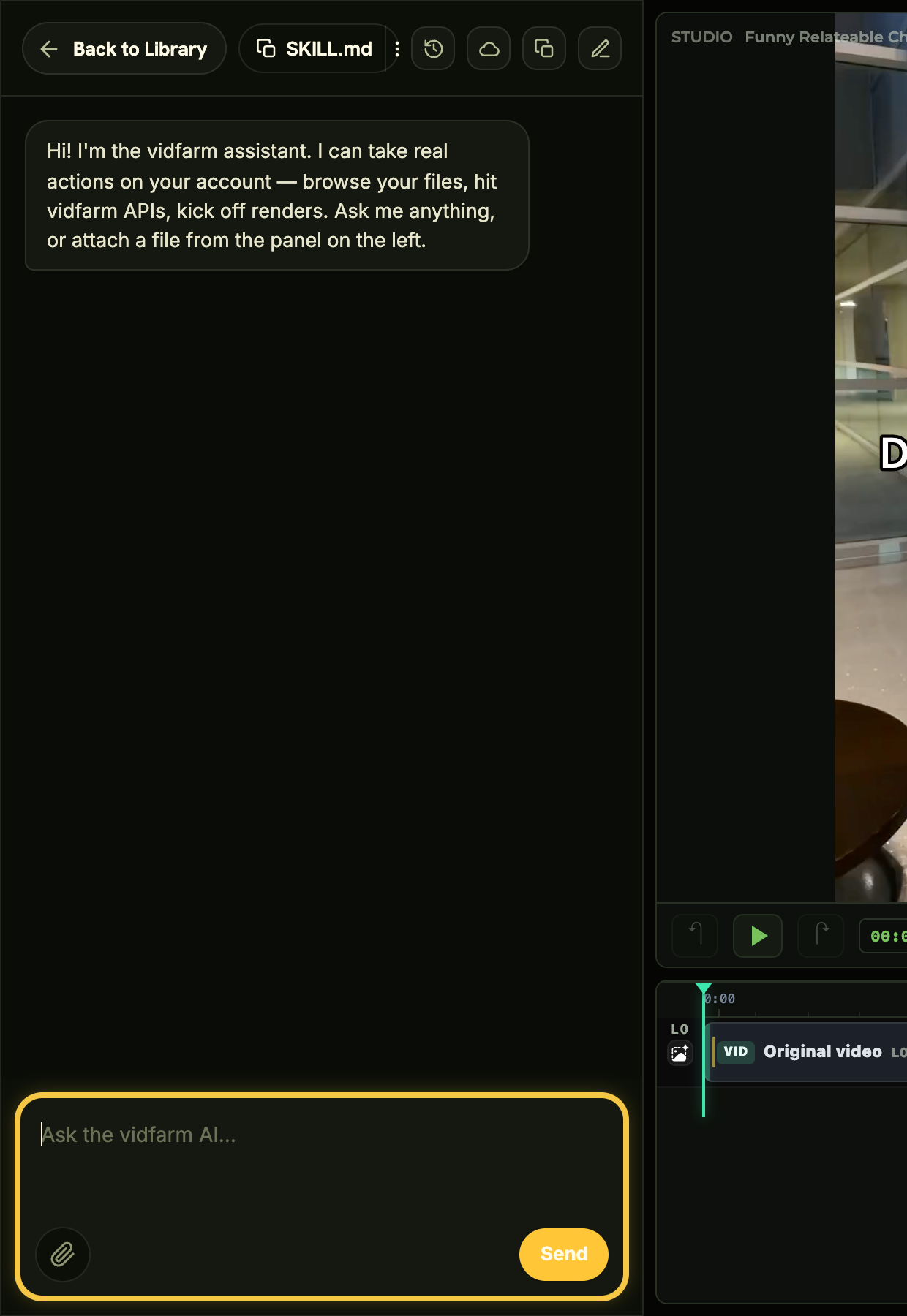 Edit demo #3 — easy remix with raws
Drop your freshly clipped raws into a template and let the AI editor cut them to the beat.
Edit demo #4 — actor replacement
Keep a template's timing and captions but swap the on-screen actor for your own person or an AI-generated one.
Edit demo #5 — animate a static book
Turn a flat book cover or page into a living, moving scene with HyperFrames motion and a consistent character.
Edit demo #3 — easy remix with raws
Drop your freshly clipped raws into a template and let the AI editor cut them to the beat.
Edit demo #4 — actor replacement
Keep a template's timing and captions but swap the on-screen actor for your own person or an AI-generated one.
Edit demo #5 — animate a static book
Turn a flat book cover or page into a living, moving scene with HyperFrames motion and a consistent character.
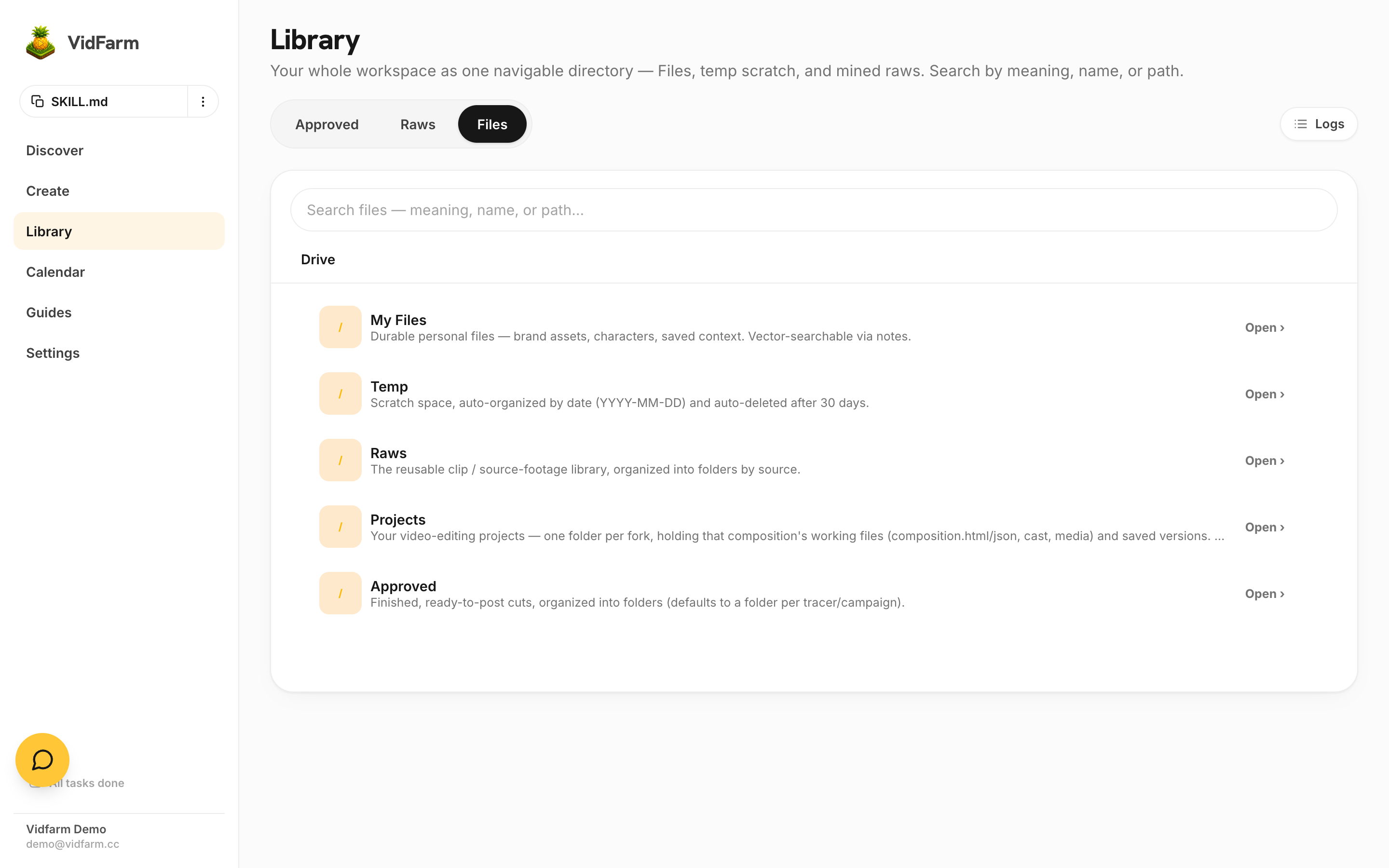 Character consistency across shots
Build a character sprite card and use reference images so the same face and outfit survive every generated shot.
Edit demo #6 — an AI drama series
Storyboard a multi-scene narrative with recurring characters, lock every beat with cheap images, then generate motion into a cohesive series.
Clone a UGC testimonial ad
Re-shoot a creator's winning "talking to camera" testimonial for your own product with an AI creator — Copy Prompt hands it to a desktop agent that builds a character card, a storyboard, then the final AI video, approving each step.
Edit demo #7 — product promotion & demos
Turn a product URL or demo recording into a polished promo with hooks, feature beats, and a call to action.
Edit demo #8 — Vox-style motion explainers
Build a kinetic-typography, data-driven explainer where the motion graphics are the message.
The three paintbrushes
The mental model for sourcing every shot: raw clips, HyperFrames motion graphics, reusable assets, and AI generation.
My Files — the directory explorer
Where every clip, render, and asset lives: the five file roots, folders, move/copy, and the pop-out explorer.
Workflow — remixing clips
The end-to-end loop of turning a pile of raw clips into a finished remix inside the editor.
Character consistency across shots
Build a character sprite card and use reference images so the same face and outfit survive every generated shot.
Edit demo #6 — an AI drama series
Storyboard a multi-scene narrative with recurring characters, lock every beat with cheap images, then generate motion into a cohesive series.
Clone a UGC testimonial ad
Re-shoot a creator's winning "talking to camera" testimonial for your own product with an AI creator — Copy Prompt hands it to a desktop agent that builds a character card, a storyboard, then the final AI video, approving each step.
Edit demo #7 — product promotion & demos
Turn a product URL or demo recording into a polished promo with hooks, feature beats, and a call to action.
Edit demo #8 — Vox-style motion explainers
Build a kinetic-typography, data-driven explainer where the motion graphics are the message.
The three paintbrushes
The mental model for sourcing every shot: raw clips, HyperFrames motion graphics, reusable assets, and AI generation.
My Files — the directory explorer
Where every clip, render, and asset lives: the five file roots, folders, move/copy, and the pop-out explorer.
Workflow — remixing clips
The end-to-end loop of turning a pile of raw clips into a finished remix inside the editor.
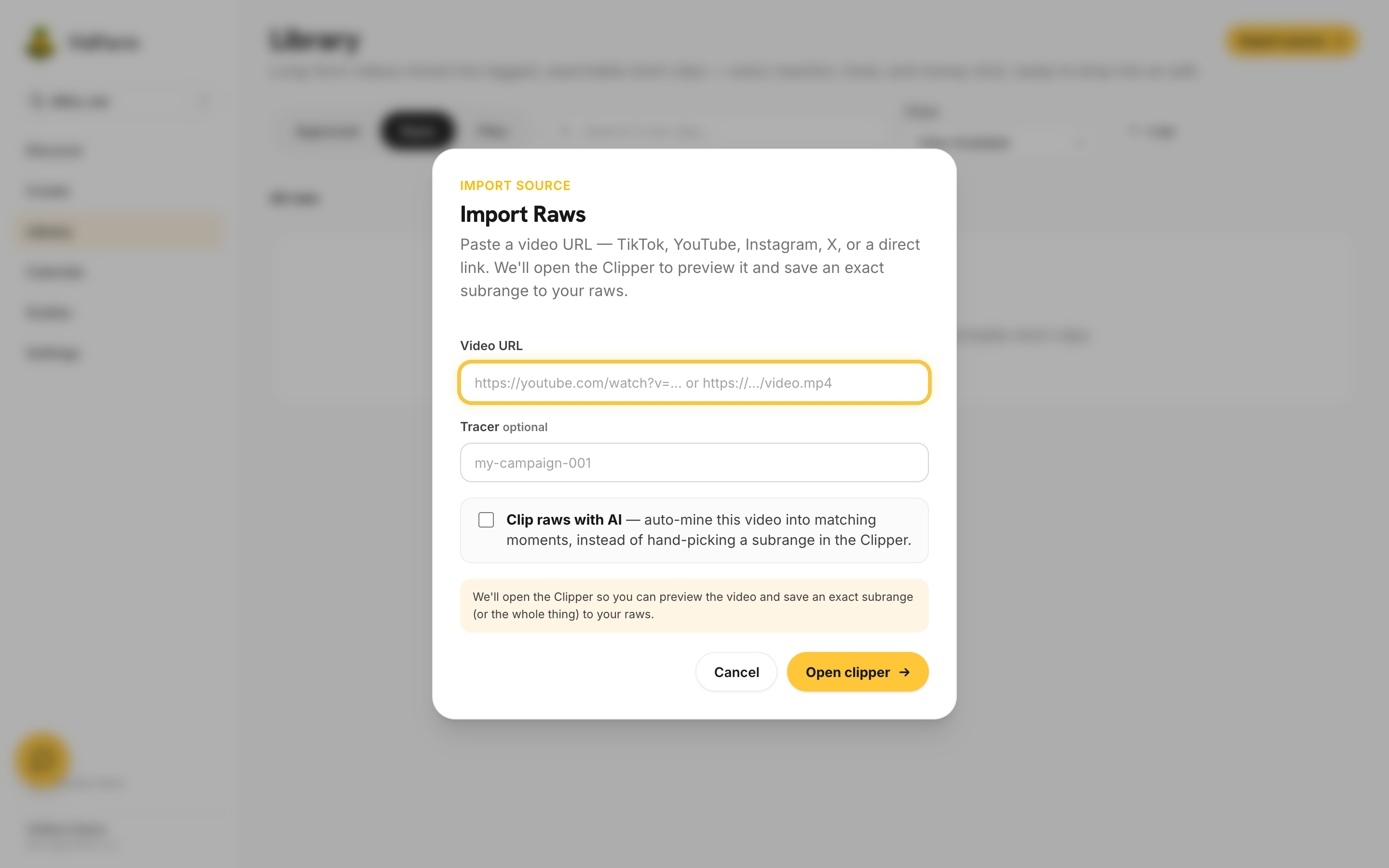 Sourcing & clipping raws with AI
Browse the public raws feed, import a video by URL or upload, and let AI mine the best clips — or clip a subrange yourself.
Sourcing & clipping raws with AI
Browse the public raws feed, import a video by URL or upload, and let AI mine the best clips — or clip a subrange yourself.
 REST API & the agent skill (for developers)
Every VidFarm workflow is raw REST. Point an AI agent at the skill and it can drive the whole platform for you.
Install the VidFarm devcli locally
Install the command-line director, run it local-first with HyperFrames bundled, and connect it to your account.
Scripting mode — file-backed flows
Drive VidFarm from repeatable, file-backed scripts so an AI agent can build videos unattended.
Free mode with NVIDIA credits
Run the clipping-first free mode on NVIDIA credits — what you can do, and what image/video generation still needs.
REST API & the agent skill (for developers)
Every VidFarm workflow is raw REST. Point an AI agent at the skill and it can drive the whole platform for you.
Install the VidFarm devcli locally
Install the command-line director, run it local-first with HyperFrames bundled, and connect it to your account.
Scripting mode — file-backed flows
Drive VidFarm from repeatable, file-backed scripts so an AI agent can build videos unattended.
Free mode with NVIDIA credits
Run the clipping-first free mode on NVIDIA credits — what you can do, and what image/video generation still needs.
Prompt references
🎨
Prompt reference
AI Art Styles
170+ copy-paste art-style prompts to lock a consistent look.
🎥
Prompt reference
AI Camera Movements
Copy-paste camera-move prompts (dolly, orbit, crash-zoom…).
🎥
Font reference
TikTok Caption Fonts
The 5 display families a render actually imports — every other font falls back.